Back to sign in

Sign out

Your name at the bottom of the menu.

Where
Menu, then your name at the bottom.

What to do

  1. On a phone, tap the three-line button at top left to open the menu.
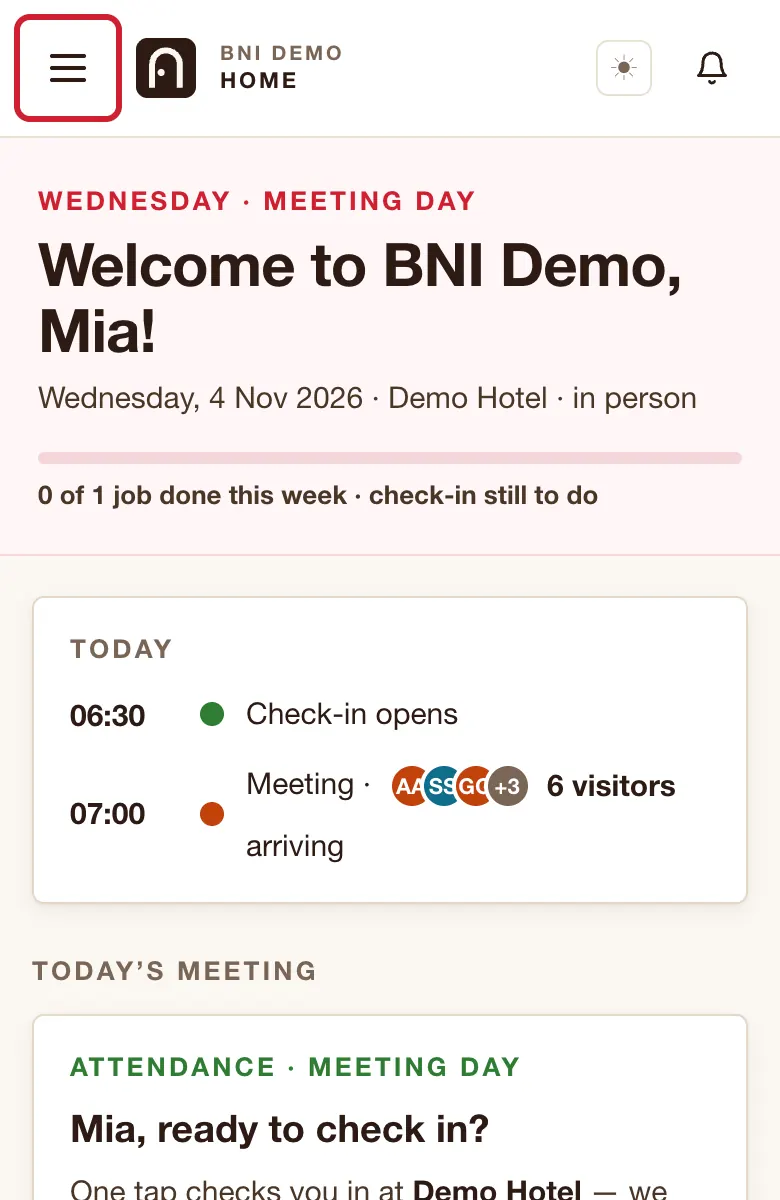
    The top of Home on a phone. A red ring marks the three-line button.
  2. Tap your name at the bottom of the menu.
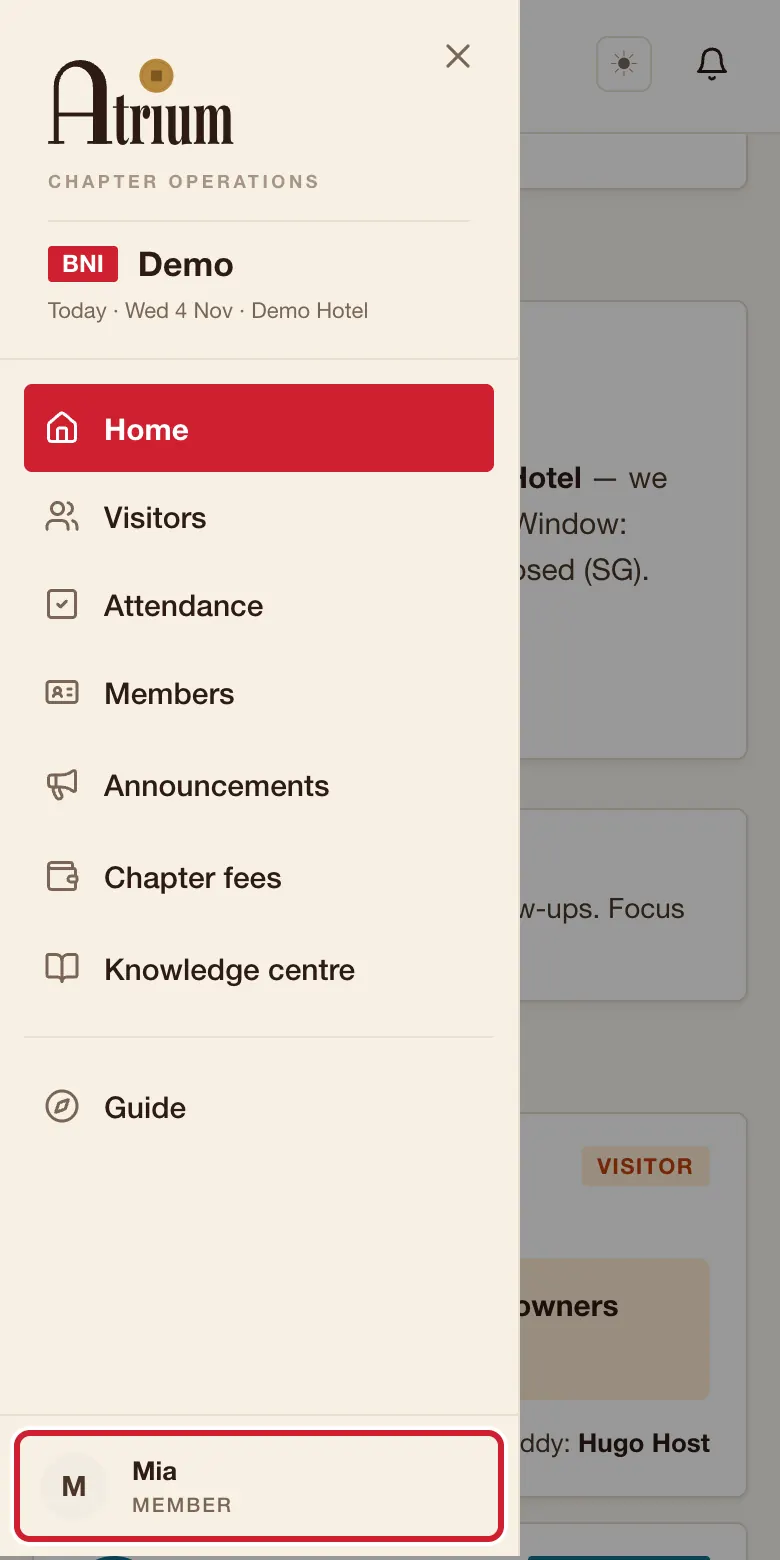
    The menu open on a phone. A red ring marks your name at the bottom.
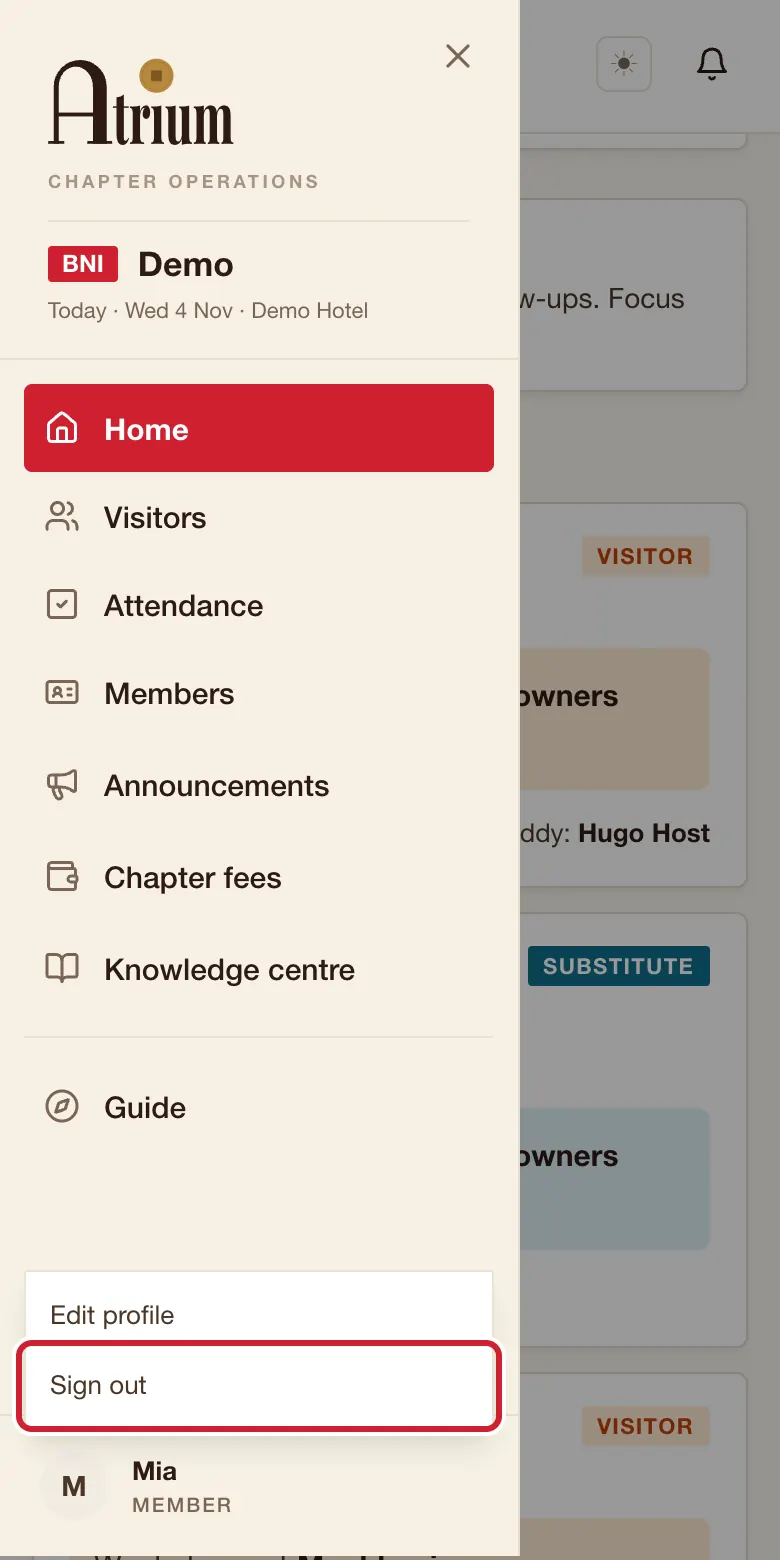
  3. Tap Sign out.
    The menu with a small list above your name. A red ring marks Sign out.

What you’ll see

The Sign in page opens.
Still stuck?

Checked against Atrium on 4 November 2026. All times are Singapore time. Your chapter’s admin can change message wording, so yours may differ.