Wait for approval
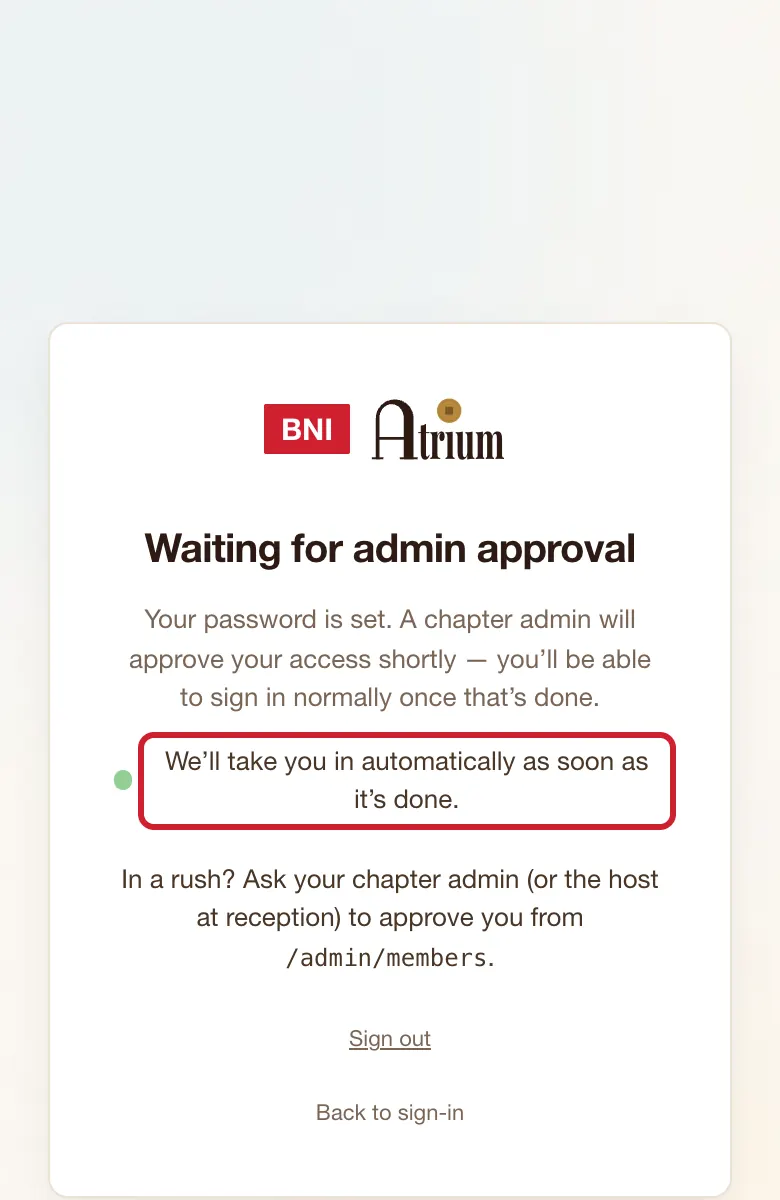
New members wait here until a chapter admin lets them in.
Where
Waiting for admin approval appears by itself.
What to do
- Leave the page open. It checks every 5 seconds while it's on screen.
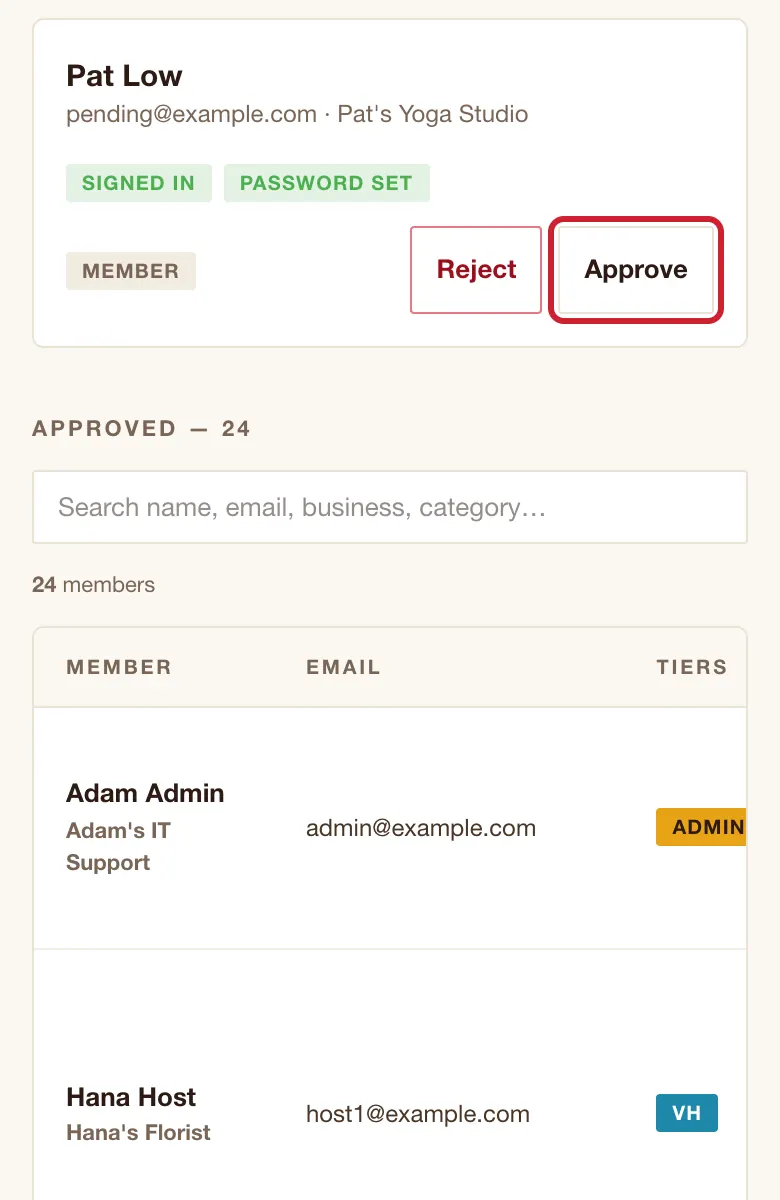
- To speed things up, ask a chapter admin to approve you on Manage members. Only a chapter admin can, so a host at reception may not be able to help.
What you’ll see
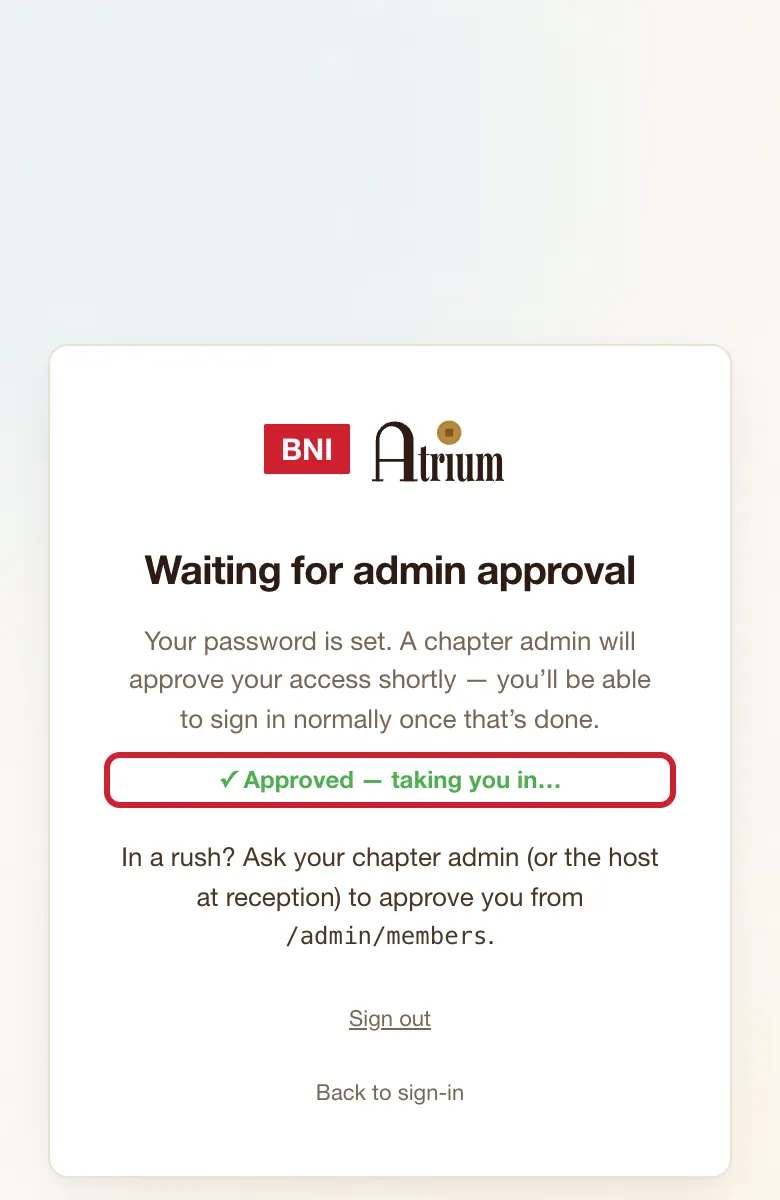
You see ✓ Approved — taking you in…, then Home. You don't need to refresh or sign in again.
If the screen says
Your session expired. Use the "Back to sign-in" link below.
Tap Back to sign-in and sign in again.
Still stuck?