Accept your invite and set a password
First time on Atrium? Start with the email your chapter admin sent you.
Where
The invite email, then the page it opens.
What to do
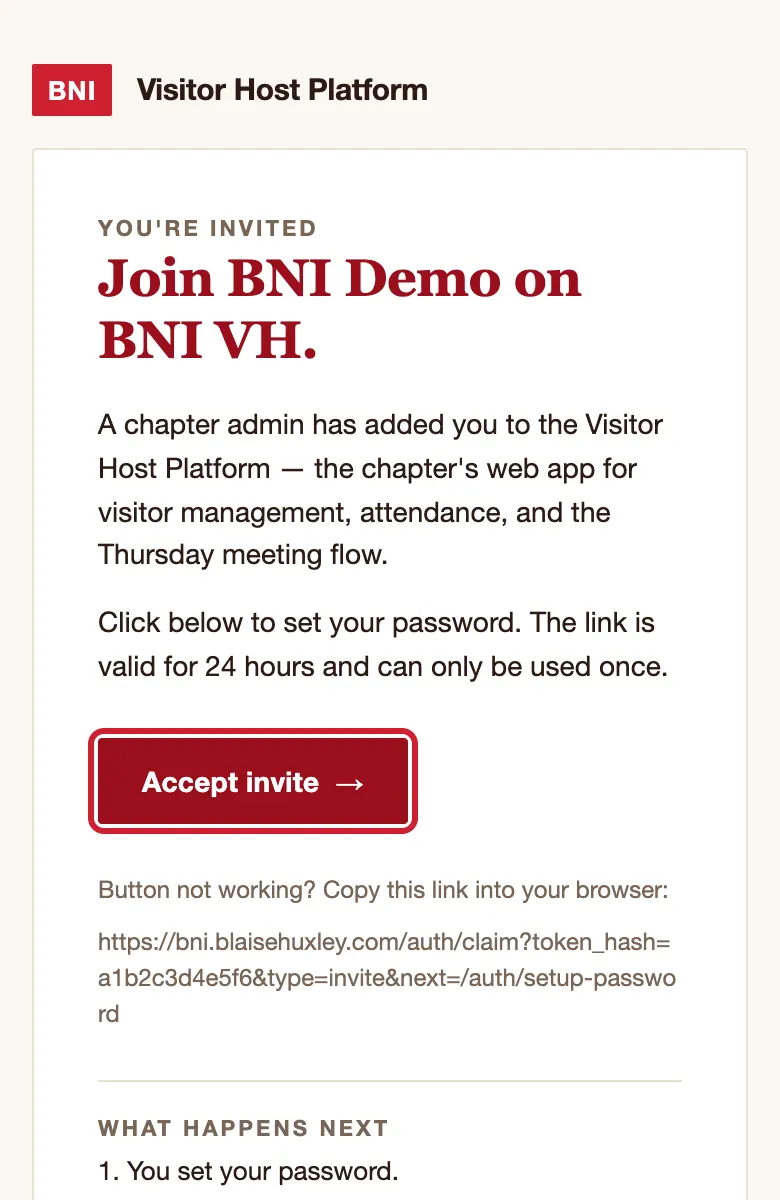
- Open the invite email and tap Accept invite.
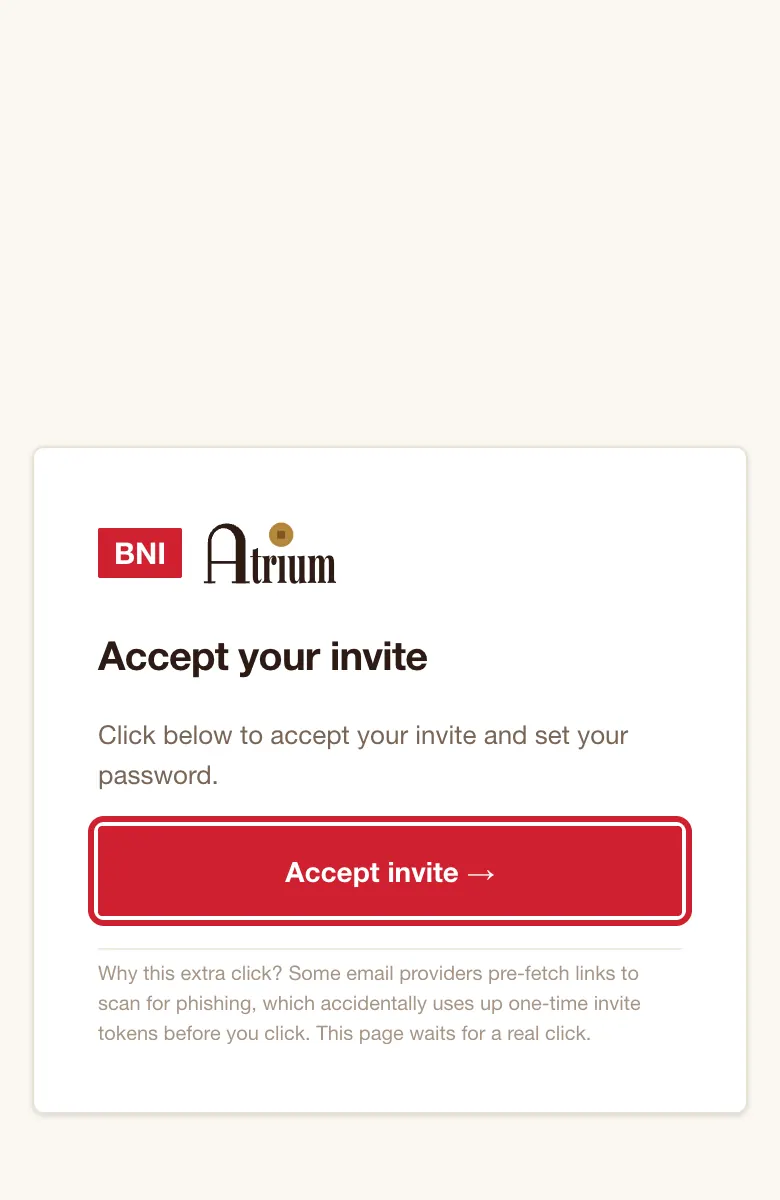
- On the page headed Accept your invite, tap Accept invite →. This second tap is on purpose: it stops email scanners using up your link.
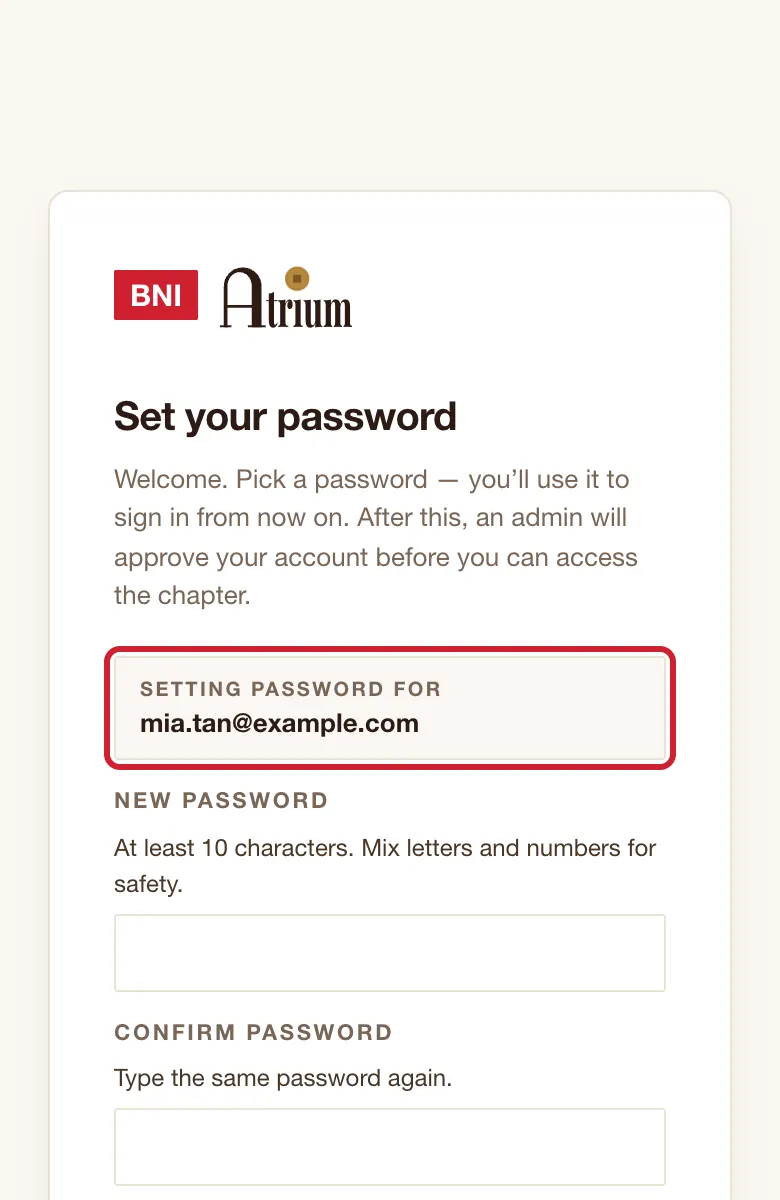
- On Set your password, check the box shows your own email.
- Type a password in New password, then again in Confirm password. Use at least 10 characters, with capitals, small letters, a number and a symbol.
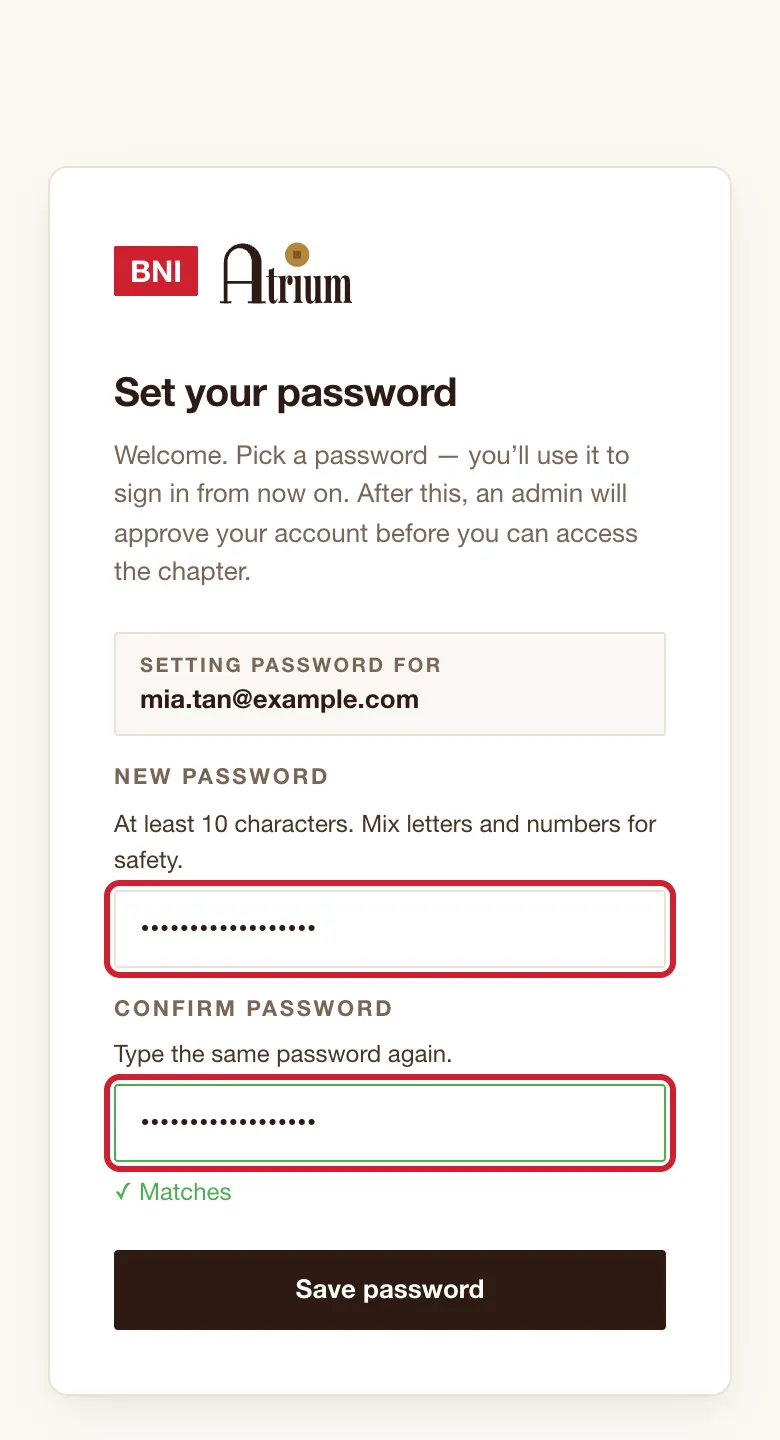
- Tap Save password.
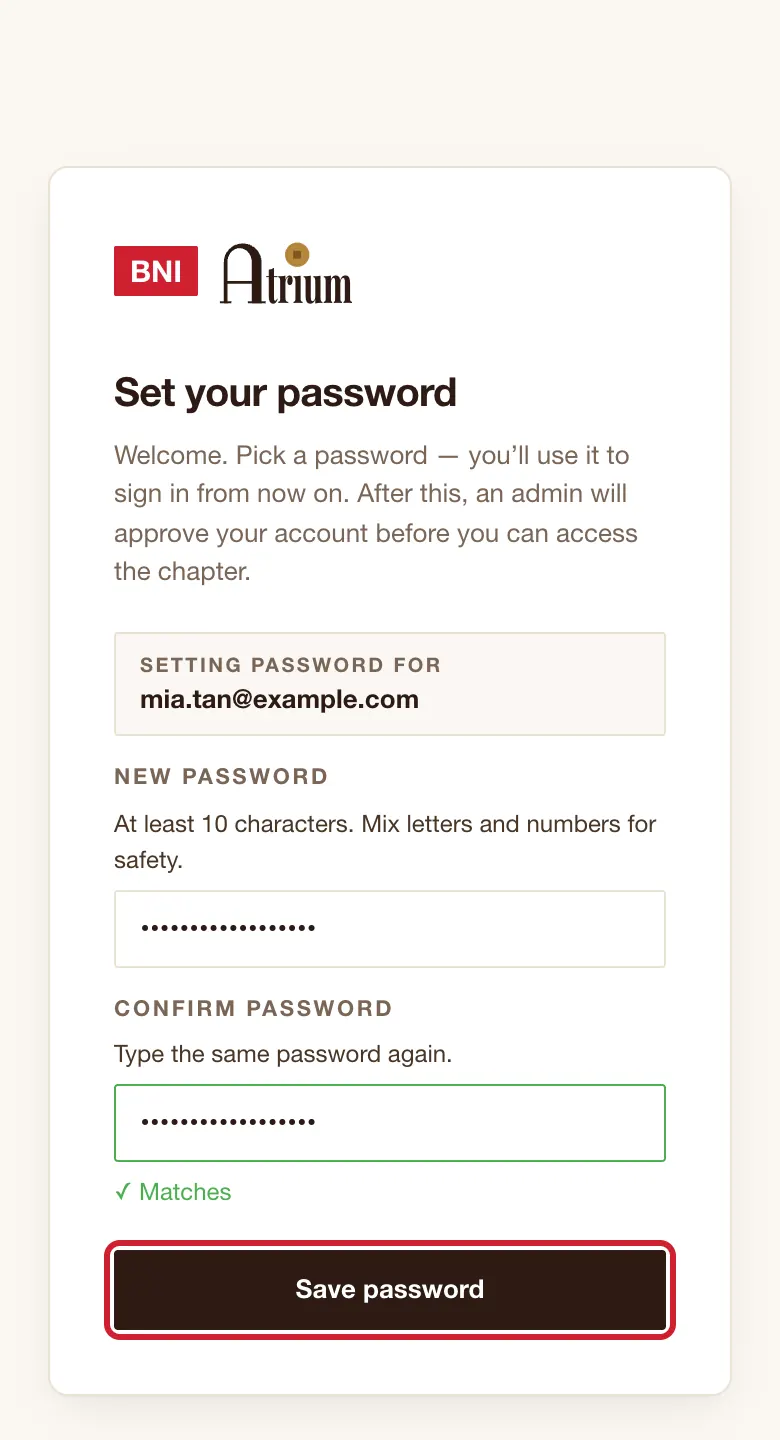
What you’ll see
You see ✓ Password saved. If your admin has already approved you, Home opens within a few seconds. If not, you see Waiting for admin approval.
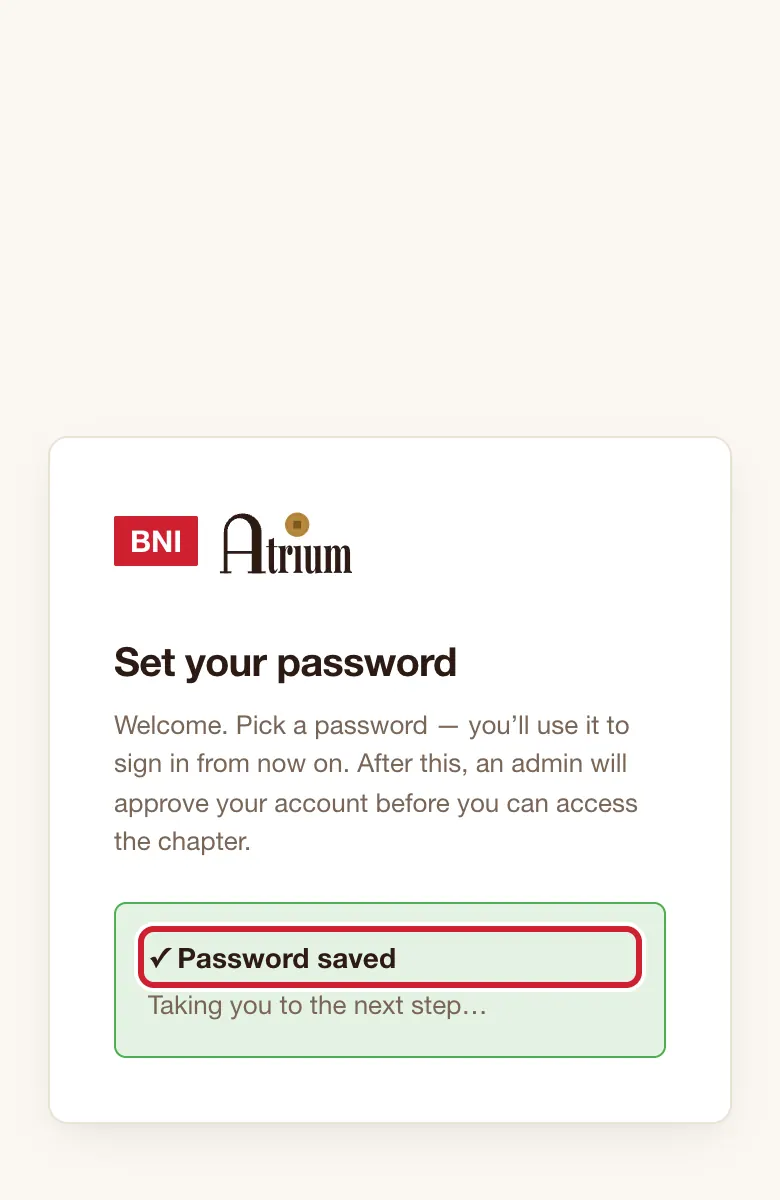
Good to know
- If your email already had an Atrium account, no invite email comes. Sign in with your old password, or use Forgot password?.
- If your password is refused for being too weak, make it longer and include all four kinds of character.
If the screen says
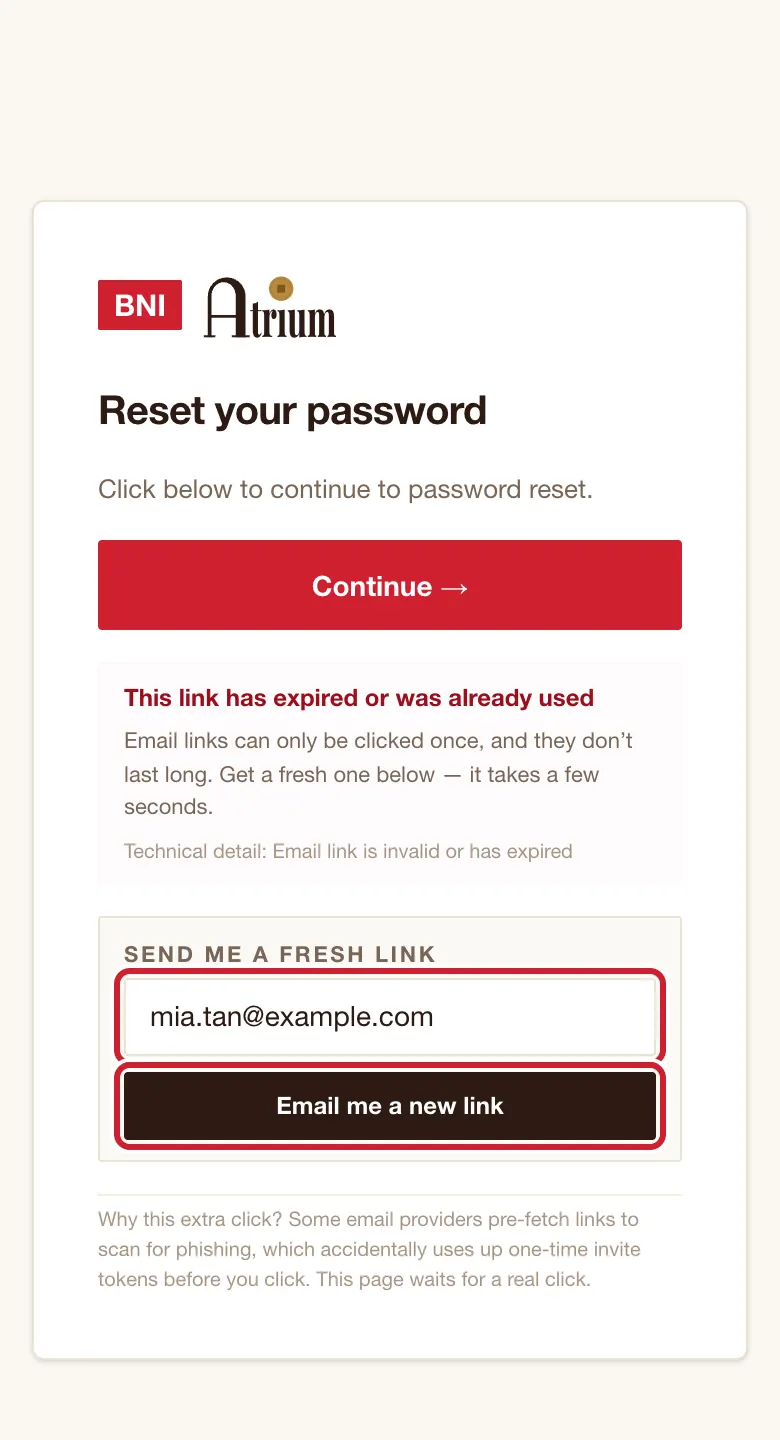
This link has expired or was already used
Type your email under Send me a fresh link and tap Email me a new link. The new email is a password reset email, which is normal. Open it straight away.
Password must be at least 10 characters.
Make it longer.
Passwords don't match.
Retype both boxes.
We couldn't reach the server. Check your internet connection and tap Save password again.
Check your signal, then tap Save password again.
Your sign-in session has expired. Open the latest email link again.
Do that, or use Forgot password? on the sign-in page.
Still stuck?