An email link says it has expired
Often caused by company email scanners using the link before you do.
Where
The page your email link opens.
What to do
- Type your email under Send me a fresh link and tap Email me a new link.
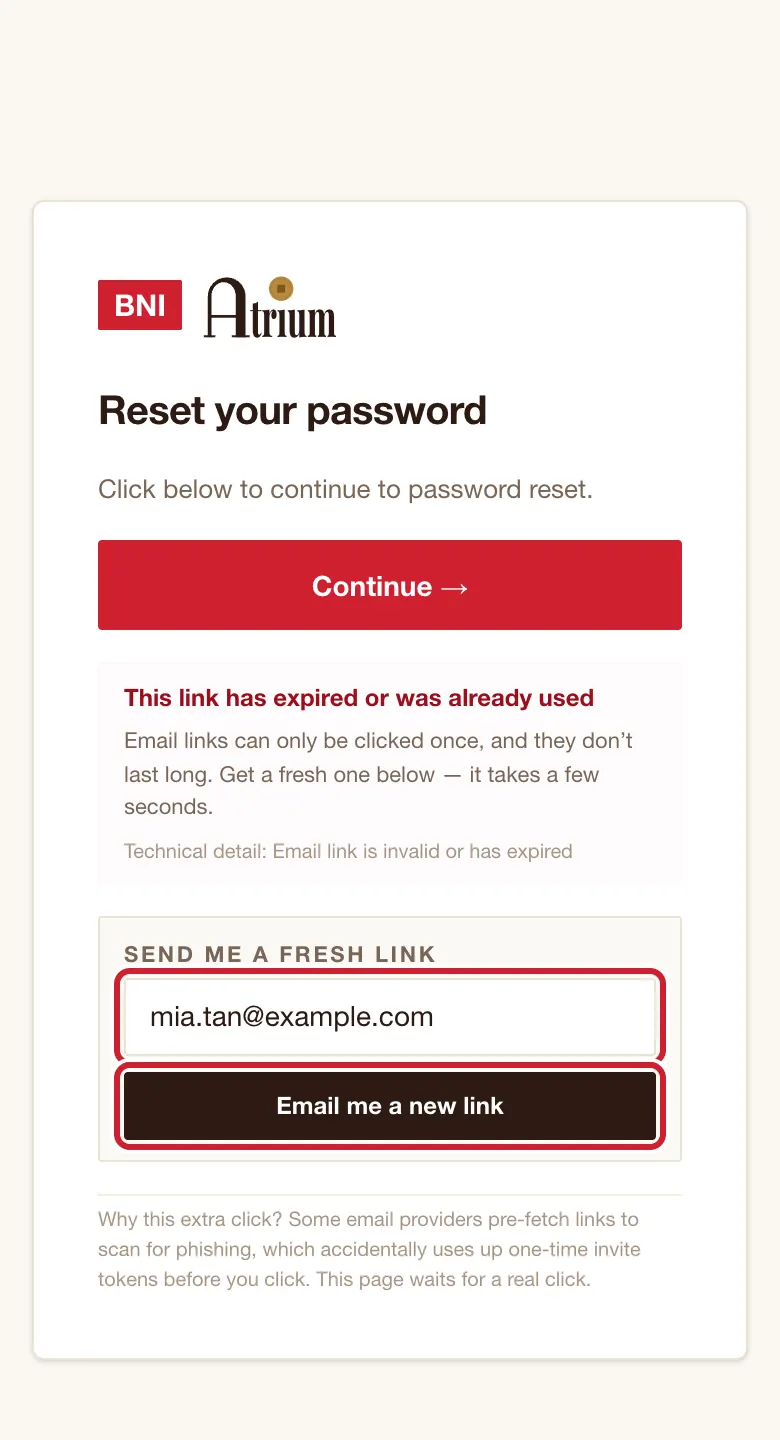
- Open the newest email straight away. Each link works once.
- If it keeps happening, ask your chapter admin for a temporary password. That needs no email.
What you’ll see
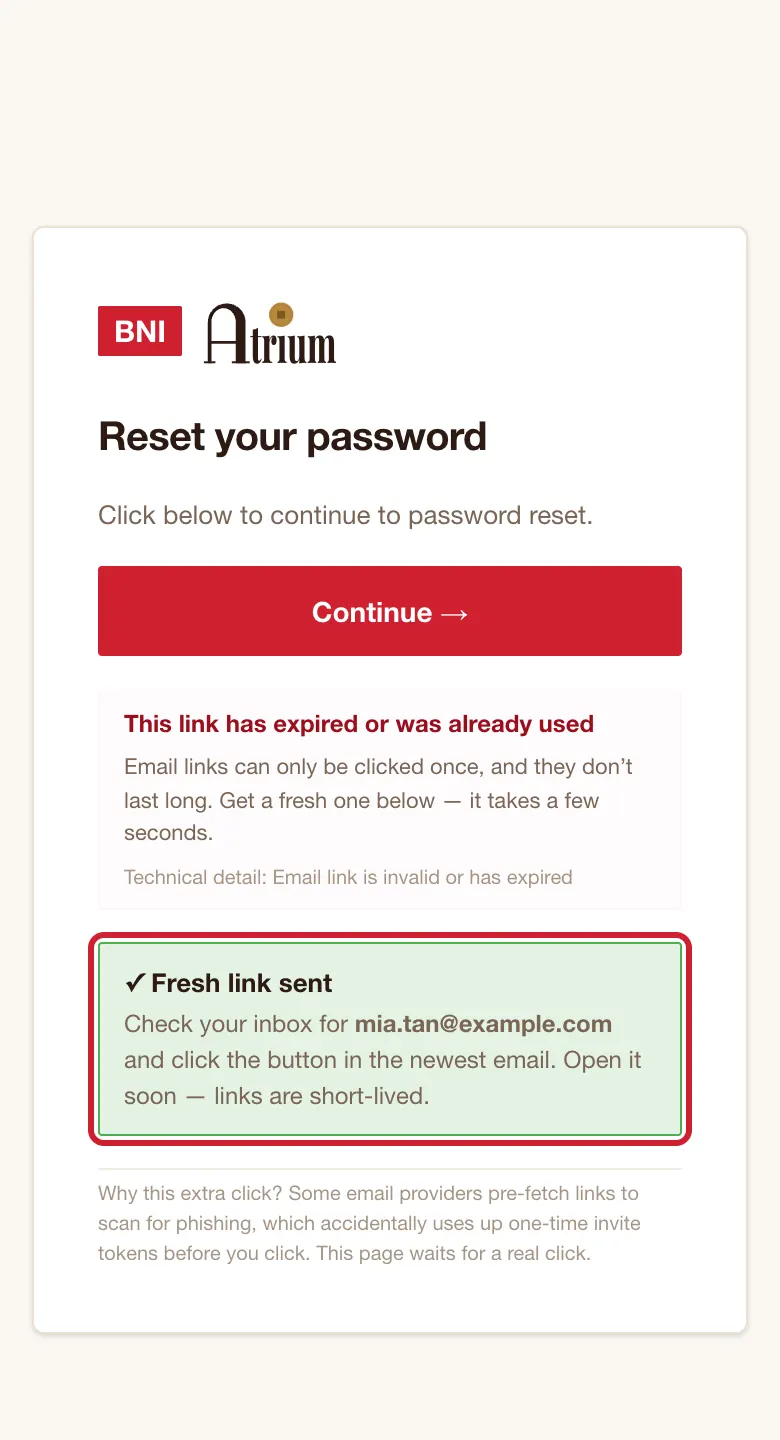
You see ✓ Fresh link sent.
Good to know
- Why the extra tap on these pages? Some email systems open links to check them, which would use up a one-time link. The page waits for a real tap.
If the screen says
This link has expired or was already used
Follow the steps above.
This link is invalid or expired.
This page has no fresh-link box. If you have never signed in, ask your admin for a fresh invite. Otherwise tap reset your password on the page.
Missing token in the URL.
Open the link from the email again, or use the fresh-link box.
Missing token. Open the original email again and click the button.
Do that, or use the fresh-link box.
Still stuck?