Sign in
The everyday way in, with your email and password.
Where
bni.blaisehuxley.com. If you are signed out it opens Sign in.
What to do
- On the Email & password tab, type your Email and Password.
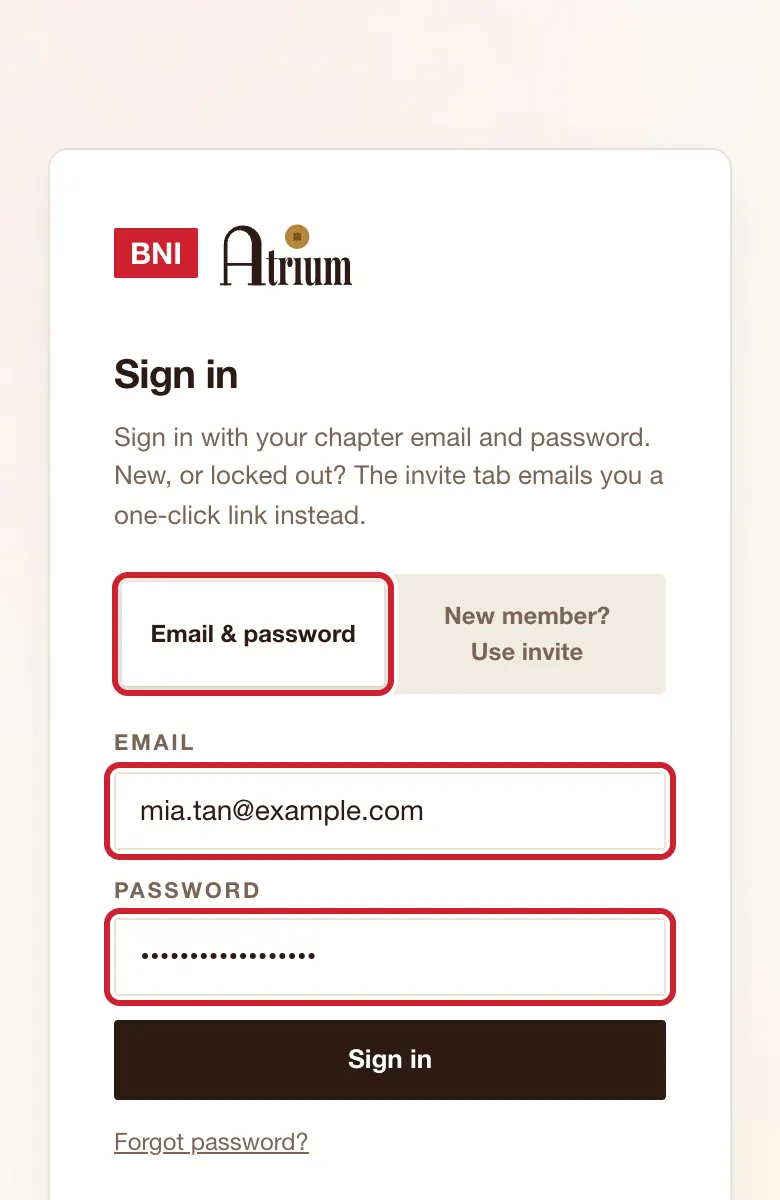
- Tap Sign in.
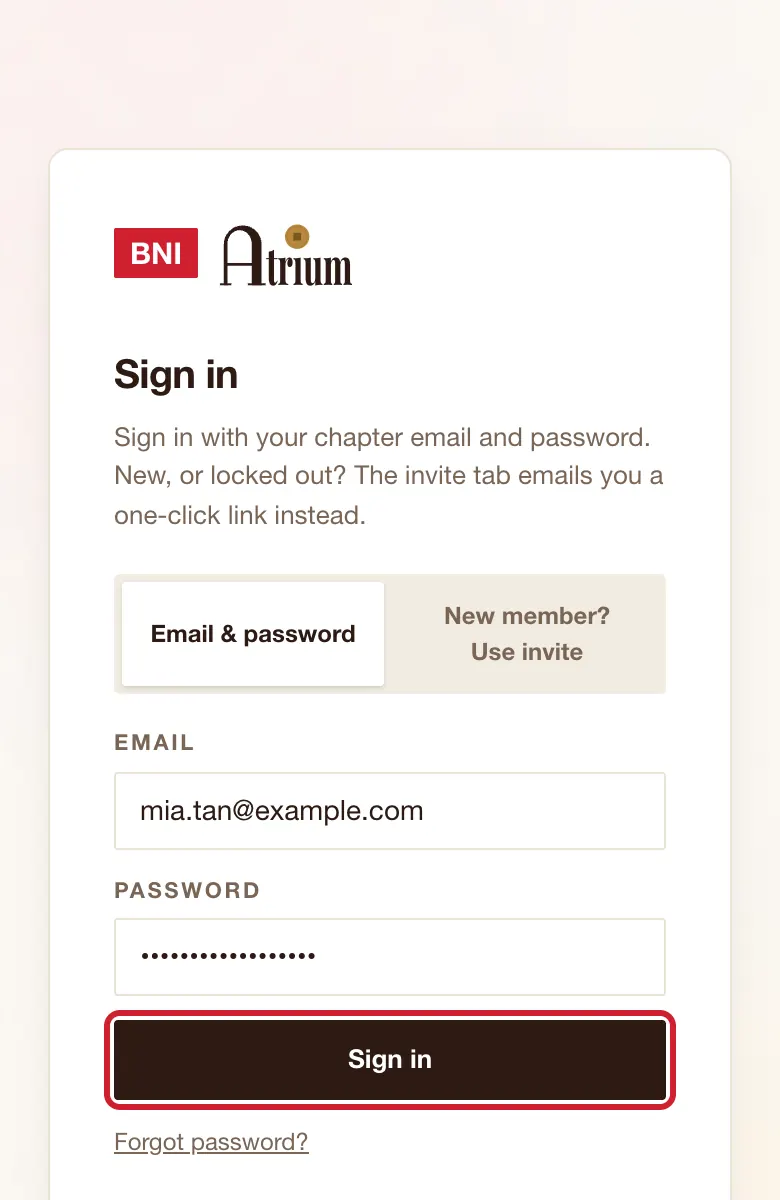
What you’ll see
Home opens, or the page you were trying to reach.
Good to know
- A temporary password goes in the same Password box. There is no separate page for it.
If the screen says
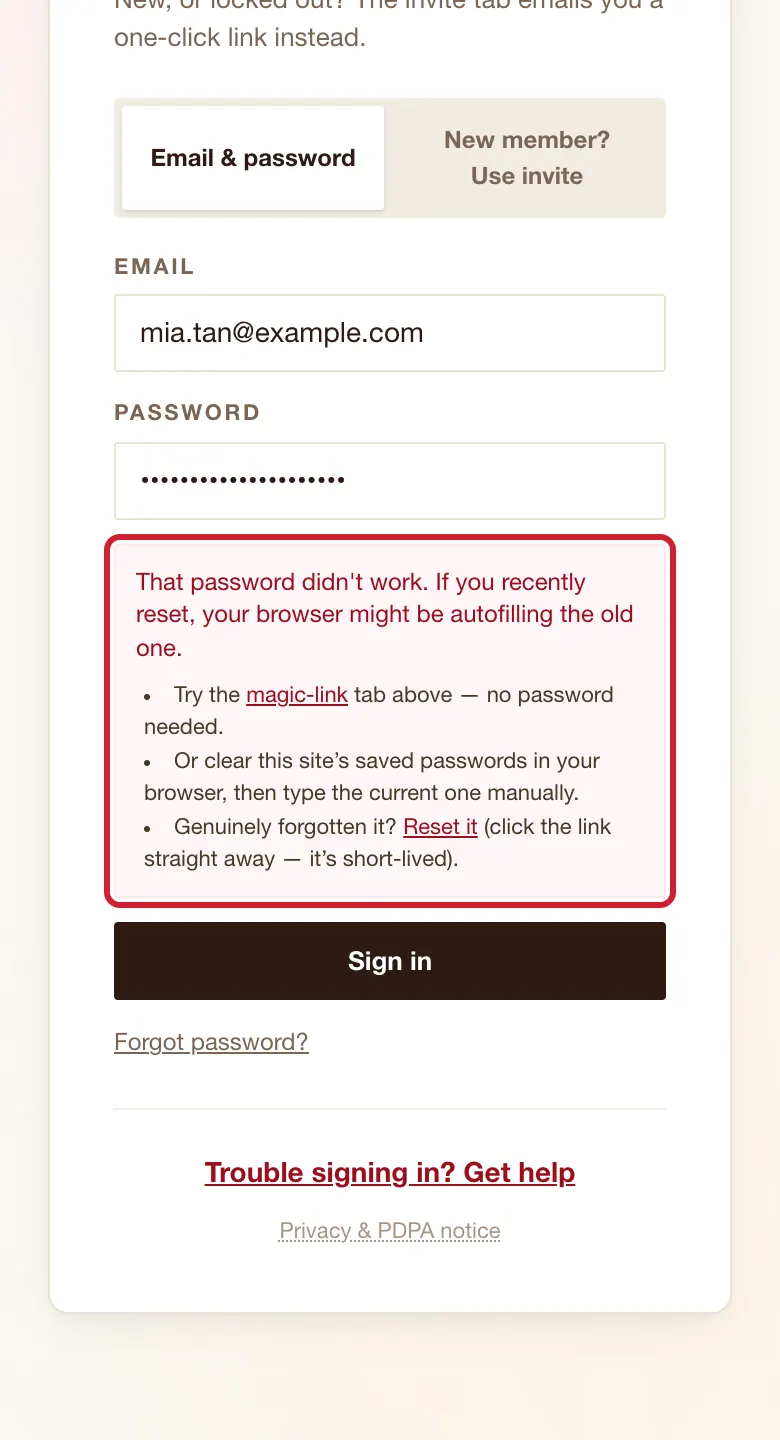
That password didn't work. If you recently reset, your browser might be autofilling the old one.
Clear the box and type the password by hand. If that fails, tap Forgot password?. If email is the problem, ask your chapter admin for a temporary password. The same message appears for a wrong email address.
You're signed in, but this email isn't linked to a member account yet.
Wait a few minutes and try again, because a brief system fault can show this too. If it stays, check you used the email your chapter has for you, then tell your chapter admin.
This account has been deactivated, so you've been signed out.
Ask your chapter admin to restore your access.
Sign-in link could not be verified. Try again.
Ask for a new link from the sign-in page.
Still stuck?